
Veo Watermark Remover
A free Veo watermark remover for Veo 3 and Veo 3.1 clips. The corner mark is processed frame by frame on your own computer. No upload, no sign-up, no daily cap.
- Free & unlimited
- No sign-up
- Files never uploaded
- No AI repainting
Processed on your device. Nothing is uploaded.
Examples
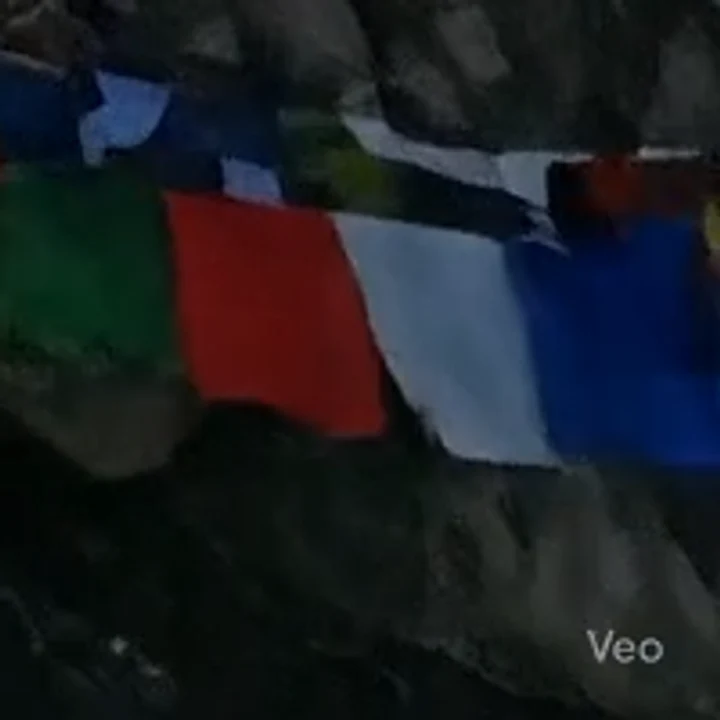
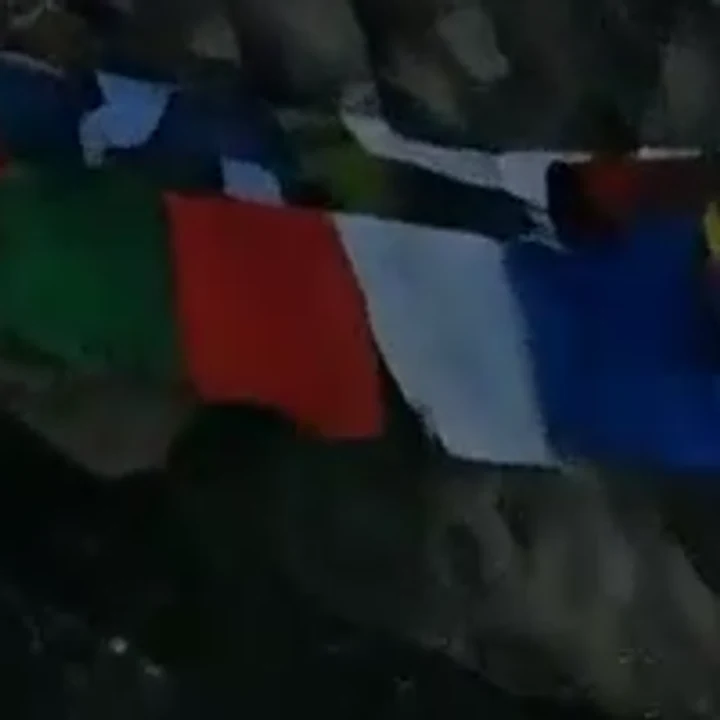 WatermarkedCleaned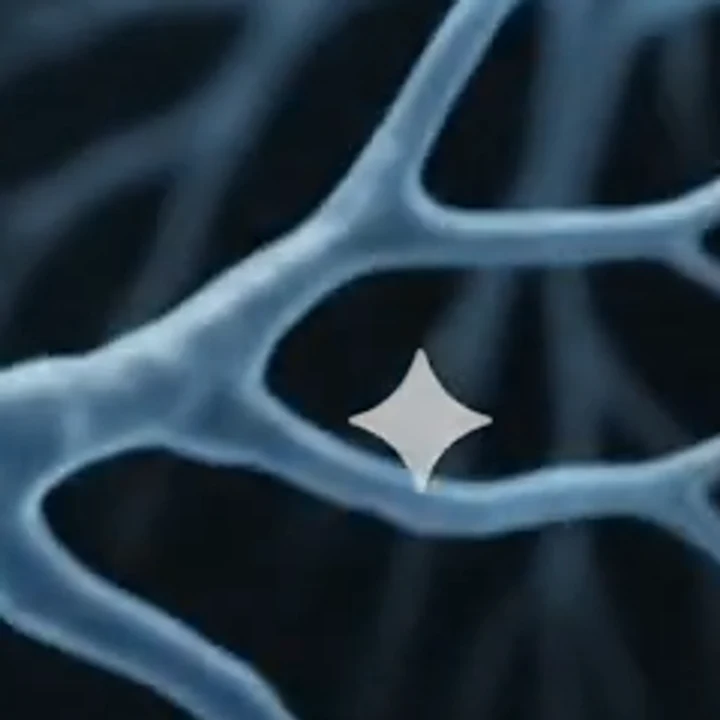
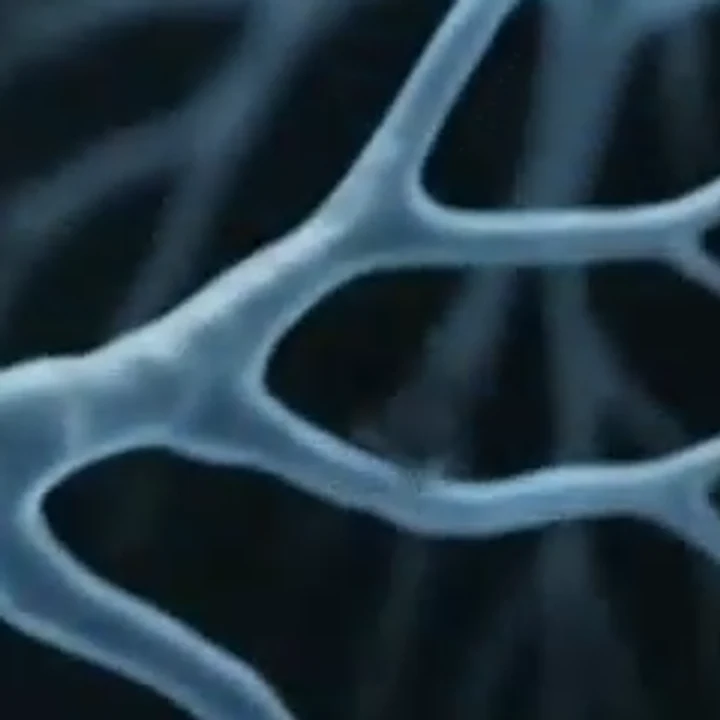 WatermarkedCleaned
How to remove the Veo watermark in three steps
No masking or brushing: this Veo watermark remover finds the mark in the bottom-right corner on its own.
- 1
Drop in the original Veo clip
Use the MP4 you downloaded, not a screen recording. MP4, WebM and MOV up to 500 MB work, one clip at a time.
- 2
Let it work through the frames
Each frame is decoded, cleaned and encoded again inside the browser tab. Keep the tab open until the bar finishes.
- 3
Check it and download the MP4
Play the result and look at the corner where the Veo text sat. Then save the new MP4, which has the same length and resolution as your original.
Why this Veo watermark remover is different
The corner is solved, not repainted
Google blends the mark over the frame at a fixed strength. The engine reverses that blend, then a small denoising model cleans the edge the mark leaves, instead of letting an AI repaint the whole corner.
Tested on a real Veo clip
Our test clip was 720 x 1280, 8 seconds, with the Veo text mark. It was cleaned on every frame in that test, and the AAC audio track came through.
The clip never leaves the tab
Decoding, cleaning and encoding all run in your browser. With no server queue, the Veo watermark remover has no daily cap and keeps no file to delete later.
A known output, not a guess
You get an H.264 MP4 at about 12 Mbps, same resolution and length as the input. The audio track is copied over when your browser can, and the result says so if it couldn't.
Veo watermark remover options compared
Our column rests on our own tests. Upload-based tools set their own terms, so check the one you are considering.
| This tool | Upload-based AI removers | Editing it out by hand | |
|---|---|---|---|
| Where the clip goes | Stays in your browser tab | Uploaded, retention varies by tool | Stays on your computer |
| How the corner is cleaned | Reverse blend, then a light denoise | AI inpainting repaints the area | Blur, crop or clone patch |
| Wait for a short clip | Our 10 s Gemini test clip took about 14 s | Varies by tool | As long as your edit takes |
| Account and limits | No account, no daily cap | Varies by tool | Depends on your editor |
| File limits | MP4, WebM, MOV up to 500 MB | Varies by tool | Depends on your editor |
| Audio | Kept when the browser can copy it | Varies by tool | Kept if you export it |
| Best on | Desktop Chrome or Edge | Varies by tool | A desktop editor |
Where a clean Veo 3 clip gets used
Shorts, Reels and TikTok
A text stamp in the corner of a vertical clip collides with captions and the platform's own buttons. Clear it before you add your overlays.
Ad and product b-roll
Veo shots often fill gaps between real product footage. A clean corner lets them sit next to camera footage in one edit.
Client pitches and animatics
Agencies mock up a concept with Veo 3 before a shoot. Removing the mark keeps the client on the idea, not the tool.
Music videos and short films
Filmmakers cut Veo 3.1 clips into longer pieces. A stamp that appears in one shot and not the next breaks the sequence.
Lessons and slide decks
Teachers and trainers drop short clips into slides, where a corner label is distracting on a projector.
The Veo text mark and the mark you cannot see
Videos made with Veo carry a visible label in the bottom-right corner of every frame: the word Veo, or the Gemini sparkle on some clips. That label is what this page removes.
Veo videos also carry SynthID, an invisible watermark spread through the whole clip. It is not touched here, and AI-detection tools can still identify the video as AI-generated after cleaning. If a platform asks you to label AI content, the label still applies.
Mistakes that stop you removing the Veo watermark
Mistake: Screen-recording the clip from the Gemini app.
Do this instead: Download the original file. A recording can blur and move the mark, so it may not be found.
Mistake: Resizing or compressing first.
Do this instead: Remove the mark from the untouched download, then edit the clean copy.
Mistake: Cropping the corner off.
Do this instead: Cropping changes the frame and loses part of the shot. Lifting the mark keeps the full 9:16 or 16:9 picture.
Mistake: Running it on a phone.
Do this instead: Video needs WebCodecs. Use Chrome or Edge on a desktop or laptop; phones are not tested yet.
Mistake: Closing or reloading the tab mid-way.
Do this instead: Work happens in the tab itself. Leave it open until the download button appears.
What is free, what is private, what is not promised
Free with no cap
No account, no credits, no daily limit and no watermark of our own. Run the Veo watermark remover on as many Veo clips as you like.
Where your clip goes
Your file is processed on your own device and is never uploaded to our servers. Since the video never reaches us, there is nothing on our side to store or delete.
What it does not do
It removes the visible mark only. SynthID stays, and you are responsible for using clips you have the right to use.
Open source engine
Removal runs on the MIT-licensed Gemini Watermark Remover by GargantuaX, with a small FDnCNN model cleaning the edge the mark leaves.