
Nano Banana Watermark Remover
A Nano Banana watermark remover for the Gemini sparkle on Nano Banana and Pro images, whole batches at once. Free, no sign-up, nothing uploaded.
- Free & unlimited
- No sign-up
- Files never uploaded
- No AI repainting
Processed on your device. Nothing is uploaded.
Examples

 WatermarkedCleaned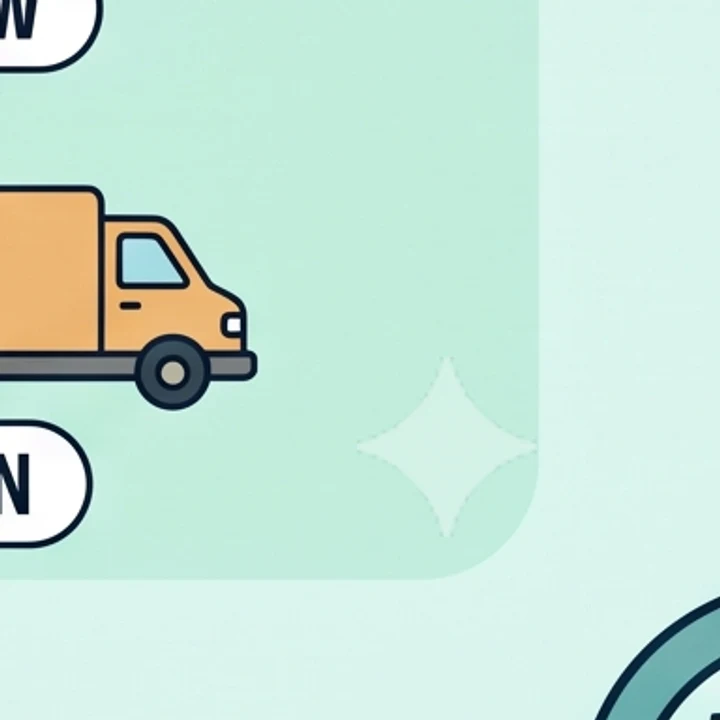
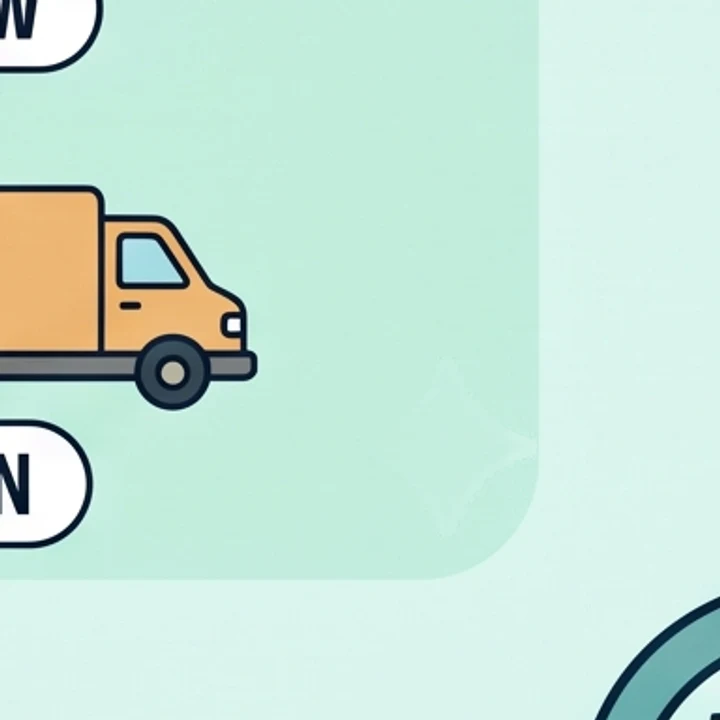 WatermarkedCleaned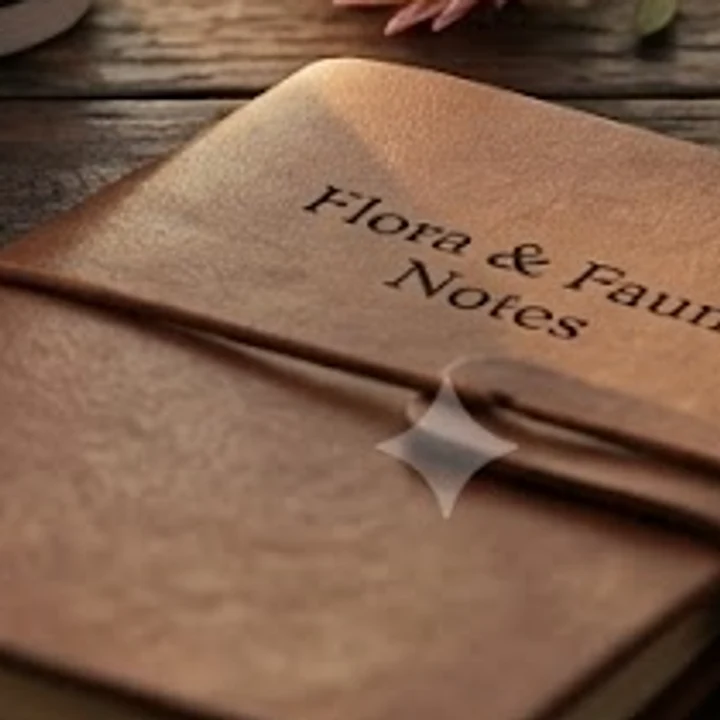
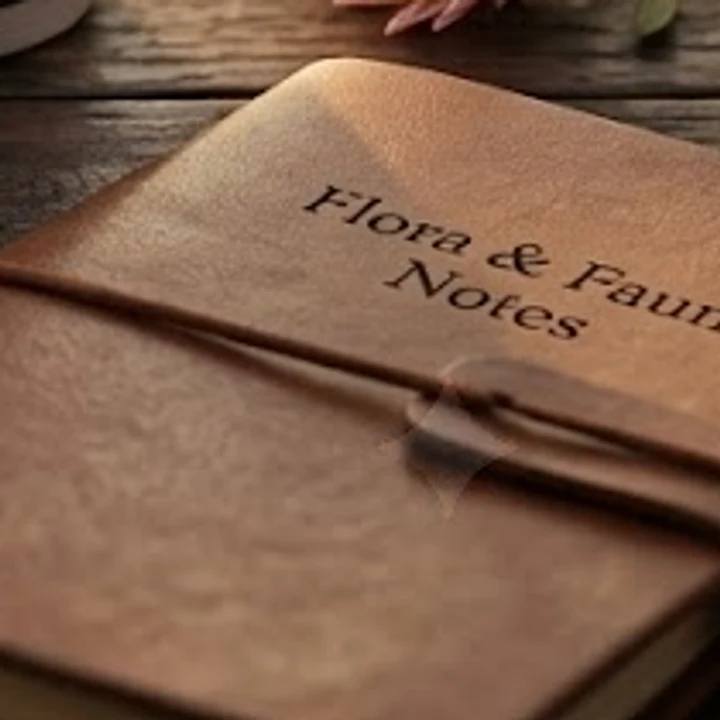 WatermarkedCleaned
Nano Banana remove watermark: three steps for a batch
- 1
Drop in the whole set
Select several Nano Banana or Nano Banana Pro images at once: PNG, JPEG or WebP, up to 50 MB each. Use the files you downloaded from Gemini, not screenshots.
- 2
Each image is solved in turn
The tool reads each image's size, predicts where the sparkle sits, confirms the match and reverses the blend. An image with no Gemini mark is left unchanged, with a note saying so and no download.
- 3
Download each clean PNG
Each successfully cleaned image gets its own Download PNG button at the original size, and Download all appears for two or more. Zoom into the corner where the sparkle was before you use it.
What sets this Nano Banana watermark remover apart
Solved, not repainted
Gemini blends a white sparkle over the picture at a fixed alpha. The engine knows that alpha map and reconstructs the marked area from it, without AI inpainting; on flat art a faint outline can remain.
Ready for Pro high-res files
On a 2752 x 1536 Nano Banana Pro image the mark is 96 px and sits 192 px in from the edges, not the usual 64 px. We tested that layout, and it is found and removed.
A batch, with no cap
Add as many images as you like and they are processed one after another. In our test, 3 PNGs of 1 to 7 MB finished in 1.3 seconds in total on an Apple-silicon MacBook in Chrome.
Checked before any change
Each result is validated before it is applied. If no Gemini mark is found, the file is left untouched and you get a message instead of a download, never a smeared corner.
Nano Banana watermark remover vs cropping and AI erasers
Four ways people deal with the sparkle on Nano Banana images, side by side.
| This tool | AI inpainting erasers | Cropping the corner | A plan without the mark | |
|---|---|---|---|---|
| How the corner is fixed | The blend is reversed with the known alpha | A model repaints the corner | The corner is cut off | The mark is never added |
| Detail under the mark | Reconstructed from the pixels | Guessed, can blur detail | Lost with the crop | Never covered |
| Full frame kept | Yes, original size | Varies by tool | No | Yes |
| Several images at once | Yes, free | Varies by tool | Depends on your editor | Not needed |
| What you need | Free, unlimited | Varies by tool | Free | Google AI Ultra, or Google AI Studio |
| SynthID | Stays | Varies by tool | Stays | Stays |
Where Nano Banana images go once the mark is off
Product mockups
Packaging, label and listing concepts made in Nano Banana, cleaned as a set before they go to a client or a store page.
Pitch decks
A run of 16:9 illustrations for a deck, each placed at full size on its slide with no badge in the corner.
Character and style sheets
Variations of one character or one look, kept identical in framing because nothing had to be cropped.
Vertical story covers
9:16 Nano Banana Pro images where cropping the corner would eat into the space you saved for a caption.
Large posters and prints
High-res Pro outputs headed for print, where the full frame matters and a 96 px sparkle would show at size.
Nano Banana Pro watermark: where it sits on each output
Nano Banana is Gemini 2.5 Flash Image and Nano Banana Pro is Gemini 3 Pro Image. Images made with either in the Gemini app carry the same visible sparkle, but its size and inset change with the output.
Smaller outputs use a 48 px mark with 32 px margins, larger ones a 96 px mark with 64 px margins. Outputs made since June 2026 add other layouts, such as a 42 px mark, or a 96 px mark set 192 px in on 2752 x 1536 Pro images.
So the tool doesn't assume one fixed spot. It looks the image size up in a catalog of Gemini output sizes, then searches around the predicted position until the alpha map lines up.
Why a Nano Banana image can come back unchanged
Mistake: Uploading a screenshot of the image
Do this instead: Download the original from Gemini. A screenshot is rescaled and recompressed, which can move and blur the mark.
Mistake: Cropping or resizing before cleaning
Do this instead: Clean first, then edit. The tool predicts the mark from the image size, so a cropped file may no longer match.
Mistake: Using a recompressed copy from a chat or a website
Do this instead: Go back to the file you saved from Gemini. Recompression can blur the mark until the detector can't confirm it.
Mistake: Judging a flat illustration at extreme zoom
Do this instead: Check at the size you will publish. On flat pastel or vector art a faint outline can remain under heavy zoom; textured photos come out clean.
What the tool does, and what it leaves alone
Your images stay on your device
Your file is processed on your own device and is never uploaded to our servers. A batch of client work is cleaned inside your browser tab and never reaches a server.
Free, with no quota
No sign-up, no account, no limit on how many images you clean, and no watermark of ours added to the result.
SynthID is not removed
Only the visible sparkle goes. Google's invisible SynthID watermark stays, so AI-detection tools can still identify the image as AI-generated.
Open source engine
This Nano Banana watermark remover runs on Gemini Watermark Remover by GargantuaX, an MIT-licensed JavaScript port of allenk's Gemini Watermark Tool.