
Gemini Video Watermark Remover
Drop in your original Gemini app clip and this Gemini video watermark remover reverses the sparkle frame by frame. Free, unlimited, nothing uploaded.
- Free & unlimited
- No sign-up
- Files never uploaded
- No AI repainting
Processed on your device. Nothing is uploaded.
Examples
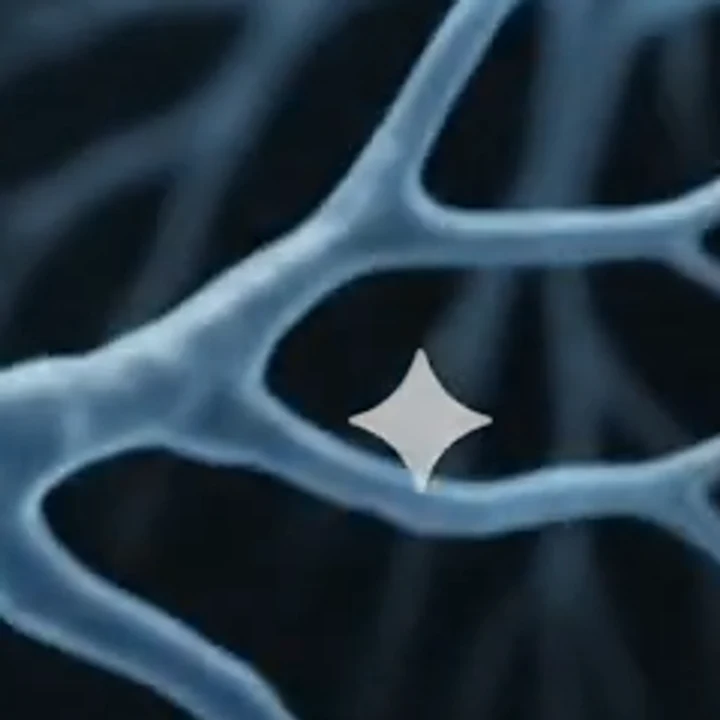
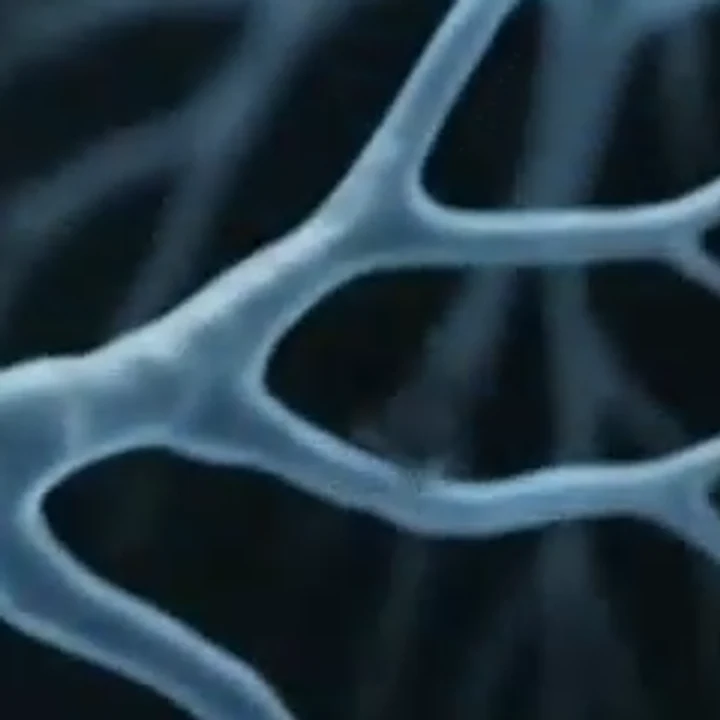 WatermarkedCleaned
 WatermarkedCleaned
How to remove Gemini watermark from video
Three steps in the Video tab, all inside this browser tab.
- 1
Drop the original clip
Use the file you downloaded from the Gemini app, not a screen recording. MP4, WebM and MOV up to 500 MB work, one video at a time.
- 2
Let it process each frame
The tool reverses the sparkle's blend frame by frame, then a small denoising model tidies the faint edge it leaves. Keep the tab open until it finishes.
- 3
Download the clean MP4
You get an H.264 MP4 with the same resolution and length as the clip you dropped in. The audio track is copied over when your browser can do it; if it can't, the result says so.
Why this Gemini video watermark remover holds up
Reverse the blend, then a light cleanup
Gemini lays a white sparkle over the frame at a fixed opacity. The engine knows that opacity map and reverses the blend, then a small denoising model cleans the edge that remains.
Tested on a real Gemini clip
In our test, the sparkle was cleaned on every frame of a 10 second, 720 x 1280 Gemini app video, and its AAC audio track came through.
Runs on your machine
Your file is processed on your own device and is never uploaded to our servers. The first video you clean loads the video engine, up to about 30 MB, and your browser caches it for next time.
Same frame, same length
Nothing is cropped or scaled. The output matches the source resolution and duration, encoded as H.264 at about 12 Mbps.
Gemini watermark remover video options compared
Three ways people get the sparkle out of a Gemini clip, side by side.
| This tool | Upload-based AI erasers | Crop or blur in an editor | |
|---|---|---|---|
| Where the video goes | Stays on your device | Sent to their server | Stays on your device |
| How the corner is fixed | Blend reversed, then a light denoise | Repainted by a model | Cut off or smeared |
| Frame size | Same as the source | Depends on the tool | Smaller after a crop |
| Audio | Kept when the browser can copy it | Depends on the tool | Kept if you export it |
| Detail under the mark | Reconstructed, faint smudge possible | Can blur fine detail | Lost |
| Cost and sign-up | Free, unlimited, no account | Varies by tool | Free if you already own an editor |
Where a clean Gemini clip ends up
Vertical shorts
The Gemini app clip we tested was a vertical 720 x 1280 frame. Removing the mark keeps that whole frame for Reels, Shorts or TikTok instead of cropping a corner away.
Pitch decks and demos
Put the clip in slides or a product walkthrough without a logo in the corner pulling eyes off the content.
Edit timelines
Cut the clean MP4 together with other footage so one shot doesn't carry a corner mark the rest of the edit lacks.
Storyboards and mood reels
Sketch a scene in Gemini, clean it, and share the draft with your team or a client as plain footage they can judge on its own.
Before you remove the Gemini watermark from a video
A Gemini video watermark remover works best on the untouched file, so start from a clean source.
- Download the clip straight from the Gemini app, because screen recordings, resizing and recompression can make the mark harder to detect.
- Open this page in desktop Chrome or Edge, since video processing needs WebCodecs.
- Keep the file in MP4, WebM or MOV and under 500 MB.
- Allow some time: our 10 second, 720 x 1280 test clip took about 14 seconds in Chrome on an Apple-silicon MacBook, and other clips and devices may take longer.
- Leave the tab open while it works, because closing it stops the job.
- On your first video, give the engine a moment to download, up to about 30 MB.
- Check the corner at full size before you post, and keep the original file.
What this remover does and doesn't do
What to expect from a browser Gemini video watermark remover before you rely on it.
Visible mark only
It removes the sparkle you can see. SynthID, Google's invisible watermark, stays in the video, so AI detectors can still identify it as AI-made.
No upload, no account
Your file is processed on your own device and is never uploaded to our servers. There is no account to create and nothing to sign up for.
Free with no cap
Clean as many clips as you like. No credits, no daily limit, and no watermark of ours is added to the result.
Re-encoded, said plainly
Writing a new MP4 means one round of normal codec loss, and on some clips a light smudge remains where the sparkle sat.